Release Notes 2026Q1
Android 15 2026Q1 Release Notes
Links for source repositories
AOSP (android-15.0.0) + U-boot (2025.04) + Kernel (6.12.23)
Tag: tn-android-15-2026Q1
| Branch | Version | CoimmitID | |
|---|---|---|---|
| Device | tn-android-15.0.0_2.0.0 | 15.0.0_r32 | 00f47b8349cfb0fa7949d4a2ccf66b4f71632646 |
| U-boot | tn-android-15_2.0.0_2025.04 | 2025.04 | 83109a9d42faf456f6f2ab217b10cbcc12e5e4b9 |
| Kernel | tn-android-15_2.0.0_6.12.23 | 6.12.23 | cbac49a535f533d2d59a683a1b4c51c75527b058 |
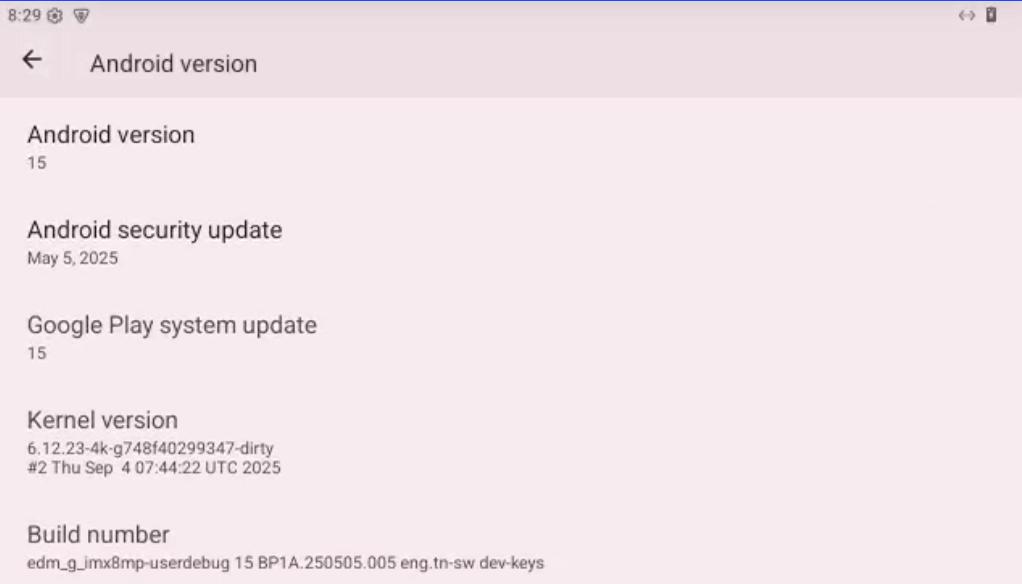
Supported Platforms in this Release
SOM
| SOM | EDM-IMX95 (new) | AXON-IMX8MP | EDM-G-IMX8MP | EDM-G-IMX8MM | PICO-IMX8MM | |||
| Baseband | IMX95-EVM | AXON-WIZARD | EDM-G-WB | EDB-G-WIZARD | EDM-G-WB | EDB-G-WIZARD | PICO-PI | PICO-WIZARD |
| Wifi driver | IW416/IW611 | QCA9377-3 | QCA9377-3 IW416/IW612 | QCA9377-3 IW416/IW612 | QCA9377-3 IW416 | QCA9377-3 IW416 | QCA9377-3 | QCA9377-3 |
| Panel support | ||||||||
| HDMI | NA | Yes | Yes | Yes | NA | NA | NA | NA |
| MIPI to HDMI | Yes ▶ | NA | NA | NA | NA | NA | NA | Yes |
| MIPI panel 5 inch | NA | NA | NA | NA | NA | NA | Yes | Yes |
| LVDS 10.1 inch | Yes | Yes | Yes | Yes | Yes | Yes | NA | NA |
| LVDS 15.6 inch - vl15613676 | NA | Yes ▶ | Yes ▶ | Yes ▶ | Yes ▶ | Yes ▶ | NA | NA |
| LVDS 15.6 inch - vl156192108 | Yes | NA | Yes ▶ | Yes ▶ | NA | NA | NA | NA |
| Camera | ||||||||
| TEVS-AR Camera | Yes | Yes | Yes | Yes | Yes (new) | Yes (new) | Yes (new) | NA |
| VLS3-AR Camera | NA | Yes ▶ | Yes ▶ | Yes ▶ | Yes (new) ▶ | Yes (new) ▶ | NA | NA |
| VLS-GM2-AR Camera (new) | Yes Tip ▶ | NA | NA | NA | NA | NA | NA | NA |
Device Tree Overlay Configuration
Technexion implement a device-tree overlay method using AVB 3.0.
For panel and camera detection, manual setup via the U-Boot prompt is required as indicated by 'Yes' in the support table, along with the corresponding U-Boot commands. Get U-Boot commands with expanding toggle symbol ▶. Proceed to boot into the U-Boot prompt and execute these commands.
Certain peripherals feature auto-detection, denoted solely by 'Yes' in the support table. No manual U-Boot intervention is necessary for these devices.
Example
- Using Vizionlink with TEVS-AR (VLS3-AR) camera on edm-g-imx8mp, please type command in u-boot:
u-boot=> setenv dtoverlay vls
- Using TEVS-AR camera on edm-g-imx8mp, no need to set
dtoverlayenv in u-boot.
media profile configuration
The peak video resolution is functionally dependent on the camera's hardware output. In scenarios involving the AR0144 module (720p max), it is necessary to pass a configuration flag via U-Boot to ensure the vendor media profile is correctly initialized for the specific sensor resolution.
u-boot=> setenv append_bootargs androidboot.camera.product=AR0144
EDM-IMX95 camera configuration
The default settings in the release table apply to CSI0. If you are connecting the VLS-GM2 to the CSI1 port on the i.MX95 EVM, please modify the U-Boot dtoverlay configuration accordingly.
u-boot=> setenv dtoverlay vls-gm2-csi1
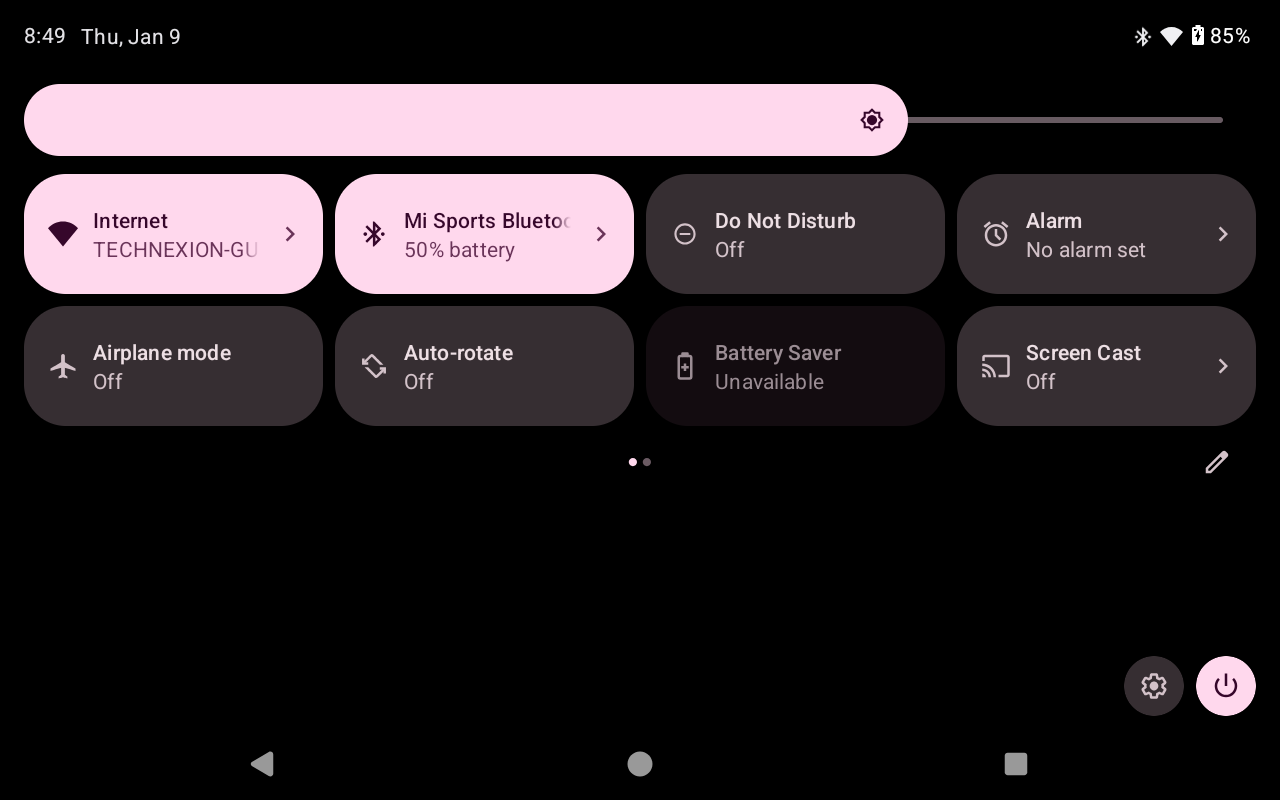
Wifi/BT module
-
supports QCA9377/IW416/IW611/IW612 module
Camera module
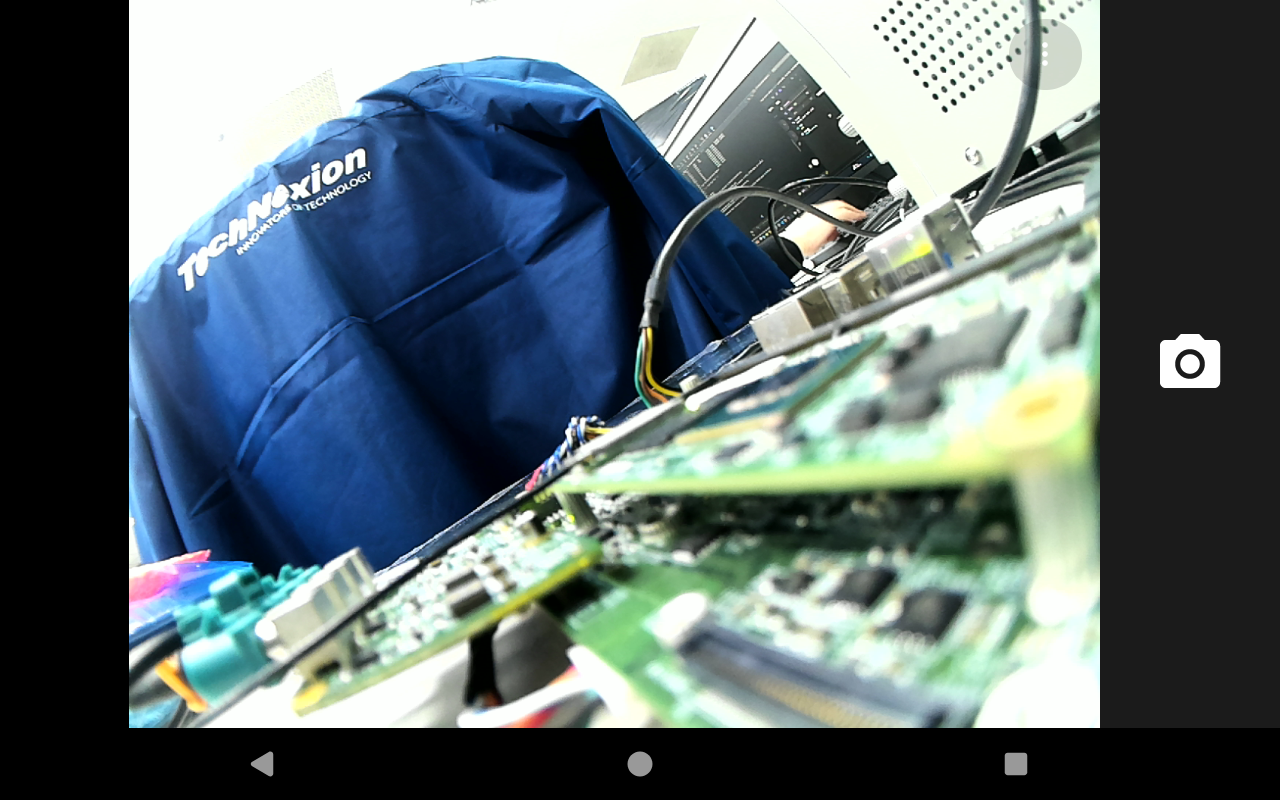
-
supports TEVS-AR series camera modules
Latest Update log
tn-android-15.0.0_2.0.0
2025/12/30
- Enable camera support on EDM-G-IMX8MM/PICO-IMX8MM.
- EDM-IMX95 the first release.
- VLS camera support with GMSL2 on EDM-IMX95.
2025/11/6
- AXON-IMX8MP/EDM-G-IMX8MP/EDM-G-IMX8MM/PICO-IMX8MM the first release
- Add IW612 support
Known issue
- When get permission denied issue, please try "setenforce 0".
- LVDS display can't wake up from suspend on EDM-G-IMX8MM.
Limitation
- Please contact us for low memory (1GB DRAM) sku requirement.
- QCA9377 do not support BT APCF (Address Packet Count Filtering) feature.
- Higher thermal and power consumption on kernel 6.12.
- Supports up to 1080p resolution on Camera CSI1 bus.
Prebuilt Images
Prebuilt images are avialable for download via TechNexion's server.